Introduction: Why Automation Is No Longer Optional in 2026
If your team is still copying data, updating statuses by hand, or chasing people for updates in Monday, let’s be honest—you’re burning time like a candle in a wind tunnel. In 2026, automation isn’t some “nice-to-have” productivity hack anymore. It’s the backbone of how modern teams operate without losing their sanity.
Monday has evolved into a powerful work OS, but power alone doesn’t equal efficiency. Without automation, even the best tools become digital paperwork. That’s where n8n steps in like a quiet superhero. It doesn’t just automate tasks—it connects systems, enforces logic, and works silently in the background while your team focuses on real work.
Think of automation like hiring an invisible assistant who never sleeps, never complains, and never forgets a step. Once set up correctly, it handles repetitive tasks with robotic precision while you reclaim hours every single week. And those hours add up—fast.
In 2026, companies that automate aren’t just faster. They’re calmer, more consistent, and far less prone to human error. Manual workflows create bottlenecks. Automation removes them. And the combination of Monday and n8n is one of the most flexible, cost-effective, and future-proof setups you can build right now.
This guide walks you through everything—no fluff, no theory overload. Just practical, real-world automation strategies that actually work. If you’re tired of doing the same tasks over and over again, you’re exactly where you need to be.
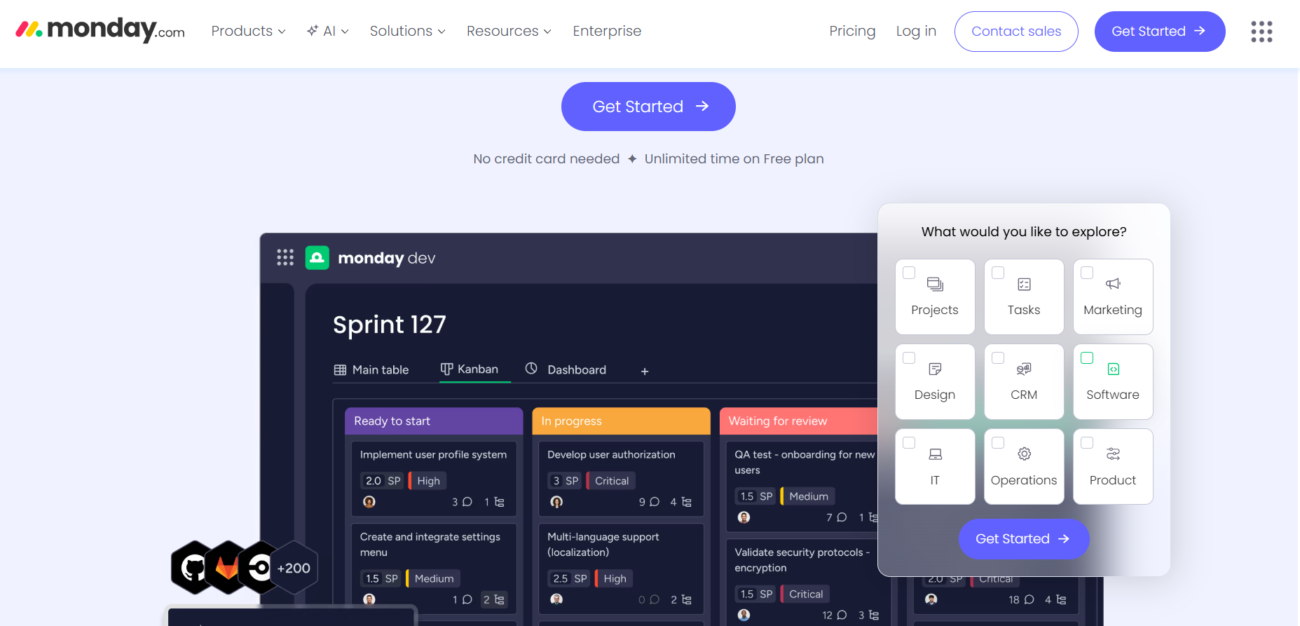
Monday in 2026 is no longer just a task manager—it’s an operational command center. Teams use it to run sales pipelines, manage product launches, track client projects, onboard employees, and even control internal approvals. But with all that power comes complexity, and complexity is where inefficiency sneaks in.
What Monday Is Really Used for Today
At its core, Monday is a visual database disguised as a friendly workspace. Boards are tables. Items are records. Columns are fields. Once you see it this way, everything clicks. Teams rely on it to store structured data, not just check off tasks.
Sales teams track deals. Marketing teams manage campaigns. Operations teams run logistics. HR teams organize people data. The problem? Most teams still treat Monday like a glorified to-do list instead of a dynamic system.
That’s where automation becomes critical. When data lives in one place but actions happen somewhere else—emails, CRMs, accounting tools—manual syncing becomes inevitable unless you automate it.
Common Manual Tasks That Kill Productivity
Here’s where time quietly disappears:
Manually updating statuses after meetings
Copy-pasting data between tools
Assigning tasks based on simple rules
Sending follow-up emails one by one
Creating the same items repeatedly
These tasks don’t feel heavy individually. But together? They drain hours every week. Worse, they introduce human error. One missed update can break an entire workflow.
Where Native Automations Fall Short
Monday does offer built-in automations, and they’re great—for basic use cases. But they hit a ceiling quickly. Limited conditions. Limited integrations. Limited logic.
You can’t build complex, multi-step workflows across tools without external automation. That’s the gap n8n fills perfectly.
Quick Comparison: Native Monday vs n8n Workflow Efficiency
Feature / Tool
Monday.com Native
Zapier / Make
Monday + n8n (Best)
Complexity
Basic (If-Then only)
Medium
Advanced & Custom Logic
Scaling Cost
Increases with Plan
Expensive per Action
Ultra Low (Fixed)
Integrations
Limited App Directory
High (Pre-built)
Unlimited (API-led)
Error Handling
Minimal Notifications
Standard Alerts
Pro-Active & Auto-Recover
2026 Ready?
Standard
Yes
Future-Proof Solution
What Is n8n and Why It’s Exploding in 2026
n8n is automation for people who want control. In 2026, it has become the go-to platform for teams who’ve outgrown simple “if-this-then-that” tools.
n8n Explained in Plain English
n8n is a workflow automation tool that connects apps and services using logic you define. You build workflows visually, using nodes that represent actions or triggers. When something happens in Monday.com, n8n reacts—and does exactly what you tell it to do.
It’s like Lego for automation. Simple pieces. Endless combinations.
n8n vs Zapier vs Make: The Real Difference
Zapier is fast but limited. Make is flexible but can get expensive. n8n? It’s powerful, customizable, and cost-efficient—especially if you self-host.
With n8n, you’re not boxed into predefined actions. You can manipulate data, handle errors, branch logic, and even write custom code when needed. That’s why technical teams love it—and why non-technical teams grow into it.
Why Technical and Non-Technical Teams Love n8n
Developers appreciate the control. Operations teams love the visibility. Managers love the cost savings. Everyone loves not doing repetitive work anymore.
Once you automate with n8n, it’s hard to go back.
Monday.com with n8n in 2026
Why Automating Monday.com with n8n Is a Game Changer
Automation isn’t about speed alone—it’s about consistency, reliability, and scale.
Centralized Workflow Control
Instead of scattered automations across tools, n8n becomes your central brain. One place to manage logic. One place to debug issues. One place to evolve workflows as your business grows.
Cost Efficiency at Scale
As usage grows, native and SaaS automation costs explode. n8n flips the script. You pay for infrastructure, not per action. That alone saves teams thousands annually.
Unlimited Custom Logic
Want conditional approvals? Done. Multi-step syncs? Easy. AI-driven decisions? Absolutely possible in 2026.
Understanding how data moves between systems is key to building reliable automations.
APIs, Webhooks, and Triggers Explained Simply
Monday.com exposes an API that allows reading and writing data. n8n listens for triggers—like item creation or status change—and responds with actions.
Webhooks push events instantly. APIs pull data on demand. n8n orchestrates both.
Authentication Between Monday.com and n8n
Secure tokens ensure only authorized workflows interact with your boards. Proper permission setup prevents accidental data access.
Data Flow: What Actually Happens Behind the Scenes
An event occurs. Data is sent. Logic runs. Actions execute. Logs are recorded. If something fails, n8n knows—and tells you.
No guessing. No silent failures.
Setting Up n8n for Monday.com Automation
Setting up n8n correctly is like laying the foundation of a house. Do it right, and everything above it stands strong. Rush it, and you’ll be fixing cracks forever. In 2026, n8n has become more user-friendly, but the initial setup still deserves care and intention—especially when connecting it to a critical system like Monday.com.
Self-Hosted vs Cloud n8n
One of the first decisions you’ll face is whether to use n8n Cloud or self-host it. There’s no universal “best” option—only what fits your workflow maturity.
Self-hosted n8n gives you full control. You decide where it runs, how it scales, and how data is stored. This option is ideal for companies handling sensitive data, running high-volume automations, or trying to reduce long-term costs. It’s like owning your own automation engine instead of renting one.
Cloud n8n, on the other hand, is perfect for teams that want speed over control. No servers to manage. No updates to worry about. You log in and start building. For smaller teams or non-technical users, this removes friction and gets automation running fast.
The key is honesty. If your team doesn’t want to manage infrastructure, cloud is fine. If you want ultimate flexibility and lower costs at scale, self-hosting wins.
Initial Configuration Best Practices
Once n8n is running, resist the urge to build workflows immediately. Start with structure.
Create naming conventions for workflows. Separate production workflows from testing ones. Set environment variables for API tokens instead of hardcoding them. These small habits save massive headaches later.
When connecting Monday.com, create a dedicated API token specifically for automation. This keeps permissions clean and avoids breaking workflows when personal accounts change or leave the company.
Security and Permissions You Must Not Ignore
Automation without security is just chaos at high speed. Limit access. Define who can edit workflows and who can only view them. Enable logging and backups.
Remember: n8n can modify data across your entire workspace. Treat it like a power tool—not a toy.
Core Automation Use Cases for Monday.com
This is where automation stops being theoretical and starts saving real time. These are the workflows teams rely on daily—and once they exist, nobody wants to lose them.
Automatically Creating and Updating Items
Imagine leads coming in from a form, website, or CRM. Instead of manually creating items in Monday.com, n8n does it instantly. It maps fields, assigns owners, sets priorities, and even adds due dates based on logic.
Updates work the same way. When something changes in another system—status, value, timeline—Monday.com updates automatically. No copying. No checking.
This alone can eliminate hours of admin work every week.
Syncing Monday.com with CRMs
Sales teams often treat Monday.com as their operational layer and CRMs as their system of record. n8n bridges the gap.
Deals created in the CRM appear instantly in Monday.com. Status changes sync both ways. Notes, values, and owners stay aligned.
No more “which system is correct?” conversations.
Task Assignments Based on Logic
Instead of manually assigning tasks, n8n uses logic. If priority is high, assign to senior staff. If region is Europe, assign to that team. If deadline is short, notify a manager.
Automation doesn’t just execute—it decides.
Status Change Triggers
Status columns are powerful triggers. When something moves to “Done,” n8n can:
Notify stakeholders
Update another board
Trigger invoicing
Archive data
One status change can launch an entire workflow chain.
Deadline and SLA Automation
Missed deadlines are often caused by silence. n8n removes silence.
It sends reminders before due dates. Escalates overdue tasks. Updates SLA indicators automatically. The system nudges people before problems explode.
Advanced Workflow Examples
Once the basics are in place, teams usually ask the same question: “What else can we automate?” The answer is—far more than you think.
Multi-Board Synchronization
Many teams split data across boards for clarity. The downside is duplication. n8n solves this by syncing items across boards automatically.
Update once. Reflect everywhere. No confusion.
Conditional Branching and Error Handling
Real life isn’t linear, and neither are good workflows. n8n supports branching logic, retries, fallbacks, and alerts.
If something fails, the workflow doesn’t just stop. It reacts. It notifies. It recovers.
This is what separates amateur automation from professional systems.
Human-in-the-Loop Approvals
Not everything should be automatic. Some steps need human judgment.
n8n handles this gracefully. It pauses workflows, requests approval in Monday.com, Slack, or email, then resumes once a decision is made.
Campaign tasks auto-generate based on templates. Deadlines adjust dynamically. Status updates trigger reports and notifications.
Marketing stops chasing tasks and starts focusing on creativity.
HR Onboarding Workflows
New hire added? n8n creates tasks across boards, assigns equipment requests, schedules onboarding sessions, and notifies stakeholders.
Onboarding becomes smooth, consistent, and stress-free.
Client Service and Ticket Handling
Tickets flow in. Priority is assigned. SLAs start ticking. Updates sync across tools. Clients get notified automatically.
Support teams stay proactive instead of reactive.
Common Mistakes When Automating Monday.com
Automation is powerful—but only when done thoughtfully.
Over-Automation
Not everything needs automation. Some processes benefit from human judgment. Automate repetition, not reasoning.
Poor Naming Conventions
Unnamed workflows become nightmares. Clear names save time and sanity.
Ignoring Error Logs
If you don’t check logs, problems grow silently. Make monitoring a habit.
Performance Optimization Tips
As automation grows, performance matters.
Scaling Workflows Without Breaking Them
Break large workflows into smaller ones. Use sub-workflows. This keeps things manageable and resilient.
Reducing API Calls
Batch actions when possible. Cache data. Fewer calls mean faster workflows and fewer limits hit.
Monitoring and Maintenance
Automation isn’t “set and forget.” Review workflows quarterly. Improve logic. Remove dead paths.
Automation Governance and Team Adoption
Technology fails when people don’t trust it.
Documentation Best Practices
Document what workflows do and why. This builds confidence and continuity.
Training Teams to Trust Automation
Start small. Show wins. Let people see time saved.
Version Control for Workflows
Track changes. Roll back when needed. Treat automation like real infrastructure.
The Future of Monday.com Automation Beyond 2026
Automation is evolving fast—and this is just the beginning.
AI-Augmented Workflows
AI suggests actions, predicts delays, and recommends improvements. Automation becomes smarter over time.
Predictive Task Management
Workflows don’t just react—they anticipate.
No-Code Meets AI
Non-technical users build powerful systems with simple prompts and visual logic.
Conclusion: Reclaim Your Time and Focus on What Matters
Manual work is a tax on creativity. Every repetitive task steals attention from strategy, innovation, and growth. Automating Monday.com with n8n in 2026 isn’t about being fancy—it’s about being free.
When systems talk to each other, people stop acting like messengers. Workflows become reliable. Teams breathe easier. And hours return to your week like found money.
The tools are here. The opportunity is now. The only question left is—how much longer do you want to keep doing this manually?
FAQs
1. Is n8n suitable for non-technical users? Yes. While advanced features exist, most workflows can be built visually with minimal technical knowledge.
2. Can n8n replace Monday.com native automations? It doesn’t replace them—it extends them. Use both together for maximum power.
3. Is self-hosting n8n secure? Yes, when configured properly. Many enterprises run it safely at scale.
4. How long does it take to build a basic automation? Simple workflows can be built in under an hour once basics are understood.
5. Will automation break existing workflows in Monday.com? Not if implemented carefully. Always test before deploying to production.